
A place where thinking feels good
Docs, flowcharts, mind maps, and slides in one window. Built for anyone looking to replace Notion, Obsidian, Miro, and Xmind. Free.
Scroll down — everything below is interactive
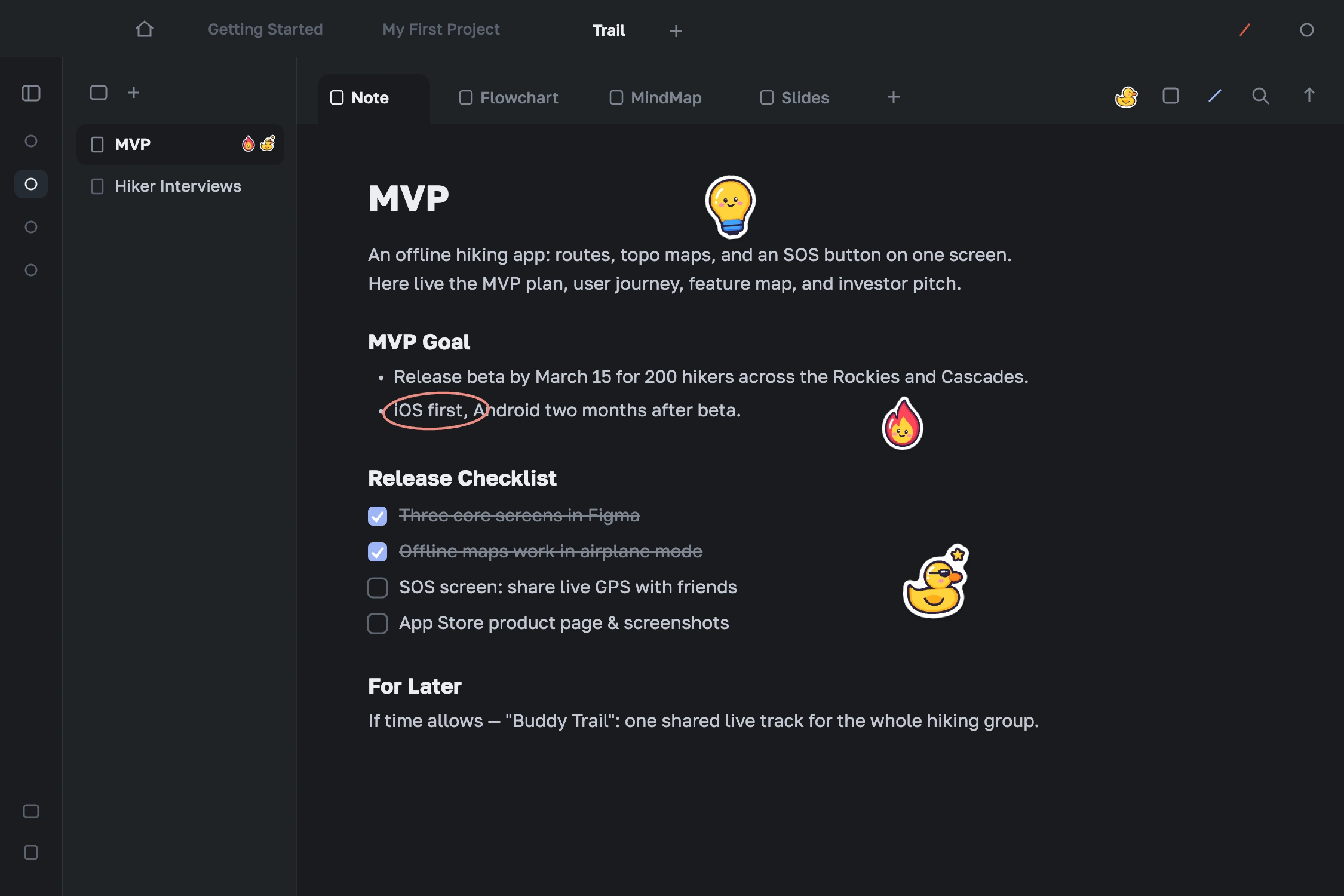
All in one window
One page. Four canvases
No more jumping between Miro, Obsidian, and Xmind. Everything lives in one place.
Migration
Import from any app without the headache
Just ask your AI agent to move everything from Notion into Beat Flow.
pick an app and click "Yes"
Share with teammates & friends
Publish in one click
Hit publish — your canvas opens by link in any browser, with or without a password.
try "By link" or "With password…"
Optional
AI features
Beat Flow connects to your local AI assistant — ask it to edit or draft any document, and every change waits for your approval.
pick a request and apply the edit
Across all your computers
Multi-device sync
check off an item on either screen
Zero clutter
An interface that feels good to work in
move your cursor to the edges
Onboarding
Clear from minute one
An interactive welcome project teaches you the workspace in seconds.
hover over the underlined words
Craft
Fluid animations & care for detail
Every spring, curve, and layout transition is tuned so thinking feels effortless.
click any branch
Stickers
Stickers as visual bookmarks
Drop stickers onto any document so you can spot key pages in a split second.
drag a sticker onto the page
Pen
Draw anywhere
Sketch directly on top of notes and slides — or ask AI to add a hand-drawn diagram.
draw with mouse or touch
Sound
Every action has a voice
45 subtle handcrafted sounds respond to every move. Repeated actions climb a musical scale, turning your checklist into a melody.
check off items in order
Themes
Pick your style
Graphite for late nights, Porcelain for mornings, Paper for long reading. Plus nine accent colors.
pick one — the whole page updates
Attachments
Files inside your notes
Drop images, videos, and PDFs straight into a note. Everything stays bundled right inside your project file.
drag a file into the note
Early access
Try it first
For anyone taking notes in Notion or Obsidian and looking for a faster, calmer home. The desktop app is free forever — join the waitlist for early builds and Cloud Plus.
You're on the list.
We'll send your invite and launch updates.
Unsubscribe from Beat Flow emails?
Your address will be removed from the list.